
SOLUTIONS / CLOUD

Cloud-Enabled Business Applications to Replace Desktop and Spreadsheet Processes

A cloud-enabled business application moves a process that lives on one office computer, a local server or a shared spreadsheet into a secure web application your team can use from anywhere. RDS Innovations handles the redesign, the data migration and the cloud setup, with backups, access control and activity logs in place from day one.

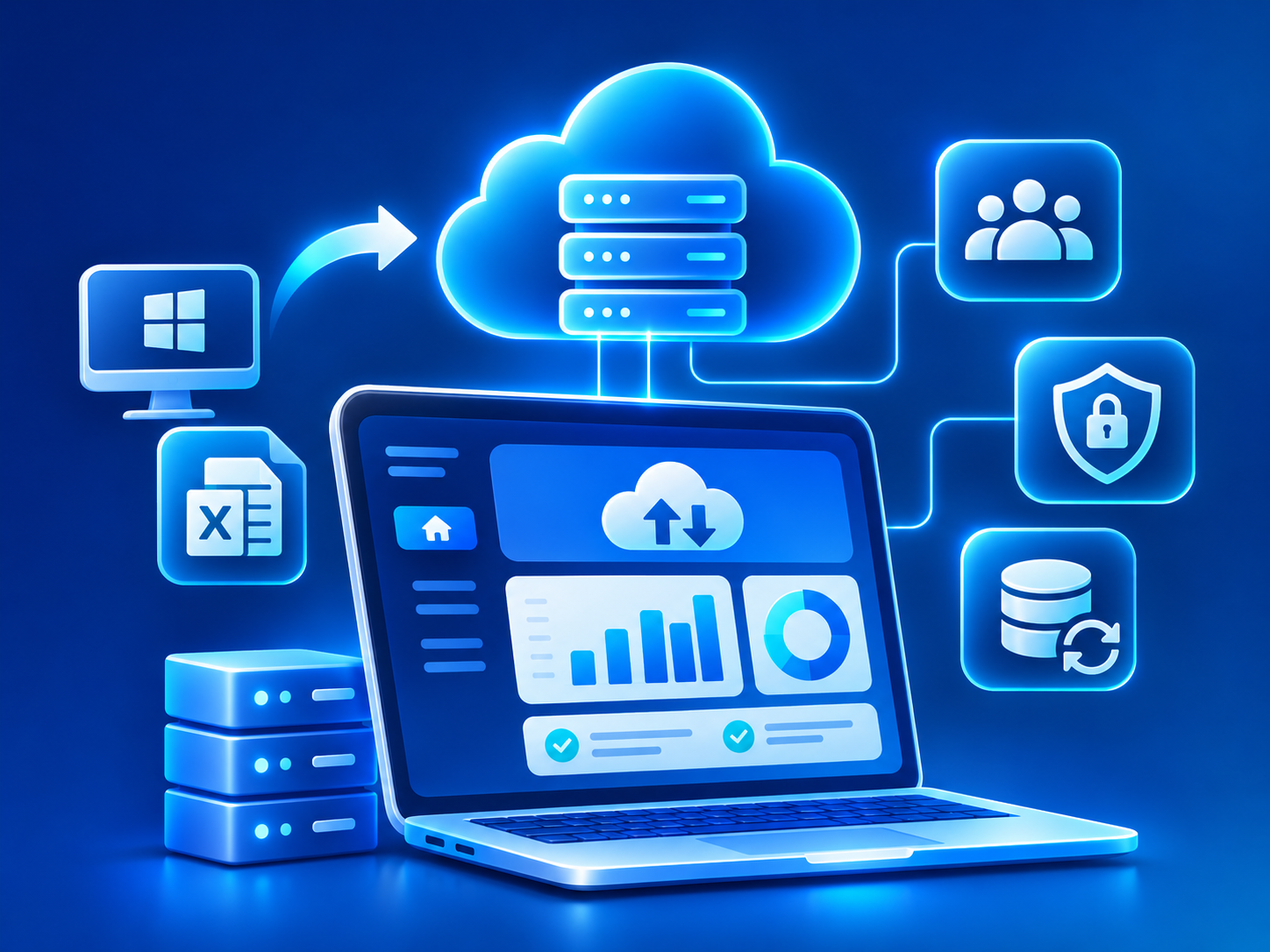
Cloud-Enabled Business Applications system overview
THE PROBLEM

What goes wrong without it

Many established businesses still run important processes on software installed on a single office computer, on a local server in a back room, or on spreadsheets passed around by email. These setups often worked for years. They become a problem when the business opens branches, staff begin working remotely, or the one person who understands the old system moves on.

The risks are real but often invisible until something goes wrong. A hard disk fails and the latest backup is weeks old. A spreadsheet is overwritten by someone working on an older copy. A former employee still has the file on a personal laptop. Staff at a second location cannot see current data, so they phone the head office for every answer.

Old desktop software may also be unsupported. It might run only on an outdated operating system, receive no vendor updates and offer no way to connect with modern tools such as online payments, WhatsApp or mobile apps. The business ends up held back by the very tool it depends on.

THE PROPOSED SYSTEM

How the solution works

We rebuild the process as a secure web application that runs in the cloud and is used through a browser on a computer, tablet or phone. Core records, such as customers, jobs, stock, files or registers, move into a managed database. Each user signs in with their own account, and what they can see or change is controlled by role, branch or department.

The cloud setup is designed for reliability and recovery. Data is backed up automatically on a schedule, backups are stored separately from the live system, and restore steps are tested. The application runs in containers with separate test and live environments, so updates are checked before they reach users. Activity logs record who created, changed or deleted important records.

Migration is handled carefully because existing data is the business's history. We extract data from the old software or spreadsheets, clean and map it, and run trial imports for your team to check. Useful features of the old tool, such as a particular report or printout, are reproduced or improved. Once the application is in place, it can be connected to payment gateways, messaging or a mobile app whenever you are ready.

KEY CAPABILITIES

What the system can include.

01

Browser-based access from anywhere

Authorized users work from the office, a branch, a site or home through a browser, with nothing to install.

02

Role and branch access control

Individual logins with permissions by role and location, and the ability to remove access immediately when someone leaves.

03

Automated backups and restore

Scheduled backups stored separately from the live system, with documented and tested restore steps.

04

Audit trail

A record of who created, edited or deleted key data and when it happened.

05

Data migration from legacy tools

Extraction, cleaning and import from desktop software, local databases and spreadsheets, with reconciliation checks against the originals.

06

Separate test and live environments

Changes tried in a staging copy before release, using CI/CD so every deployment follows the same steps.

07

Monitoring and security updates

Uptime and error monitoring, operating system and software updates, and HTTPS on every connection.

08

Integration-ready foundation

An API layer that allows later connections to payments, messaging, accounting software or mobile apps.

INTENDED USERS

Who uses it day to day.

Office and back-office staff

Do their daily data entry and lookups in the web application instead of a shared file or a single desktop.

Branch and remote teams

See and update the same current data as head office without phoning for information.

Managers and owners

Check records and reports from anywhere and control who has access to what.

Administrators

Add and remove users, adjust permissions and review activity logs.

Auditors and external accountants

Receive read-only access to the records they need to review, instead of emailed copies.

Integrations, implementation and benefits

INTEGRATIONS

  • Accounting software such as Tally or Zoho Books for financial records
  • Google Workspace for sign-in, email and file storage
  • Payment gateways such as Razorpay or Stripe once processes move online
  • WhatsApp Business API, SMS/OTP providers and email for alerts and login verification
  • Existing local databases or desktop software through one-time or interim data exports
  • Cloud file storage for documents and attachments
  • Mobile apps or portals connected through REST APIs

IMPLEMENTATION CONSIDERATIONS

  • Current setup review: we look at the existing software, spreadsheets and files, how they are used day to day and what data they hold.
  • Process redesign: rather than copying the old screens, we confirm which steps are still needed and where the web application can simplify them.
  • Hosting and security plan: we recommend a hosting arrangement, backup schedule, access model and environment setup. Cloud hosting charges are billed by the provider.
  • Build and trial migration: the application is built while trial data imports are run and checked by your team.
  • Cutover: a switch-over date is agreed, final data is migrated, and the old system is kept read-only for reference.
  • Support and improvement: monitoring, backups, updates and new features continue after go-live. Moving a single process typically takes several weeks, while larger systems move in phases over a few months.

OPERATIONAL BENEFITS

  • Teams in different locations work from the same current data.
  • Data loss from one failed computer or overwritten file becomes far less likely.
  • Access can be granted and removed per person, quickly.
  • Changes to important records can be traced to a user and a time.
  • The business is no longer tied to unsupported desktop software.
  • Online payments, portals or mobile apps can be added later on the same foundation.
FAQ

Questions about cloud applications.

Is our data safe in the cloud?

A well-configured cloud application is usually more resilient than a single office computer or local server, thanks to managed infrastructure, encrypted connections, access control and automated backups. Security still depends on good habits, such as strong passwords, timely updates and careful access management, which we set up with you. Specific regulatory requirements should be assessed with your advisers.

Can we keep working if the internet goes down?

A cloud web application needs an internet connection. For critical locations we usually recommend a backup connection such as a mobile hotspot. Limited offline capability can be designed for specific tasks, but it adds complexity and cost.

Can you get our data out of the old desktop software?

In most cases, yes, through the software's export options, its database files or its reports. Older or proprietary formats can take more effort to read. We test this early so any difficulty is known before the main build begins.

Who pays for hosting, and who controls the account?

Cloud hosting is billed by the provider, separately from our work, unless a proposal says otherwise. We generally recommend that the hosting account is held in your business's name, with our team given access to manage it.

Do we have to move everything at once?

No. Many businesses move one process first, such as job tracking or stock registers, and migrate others in stages. This lowers risk and gives staff time to adjust.

RELATED
ServiceCloud & DevOps

Hosting, deployment pipelines, monitoring and backups set up so releases are repeatable and problems are noticed and recoverable.

Explore
ServiceWeb Application Development

Logged-in web applications such as customer portals, vendor portals, dashboards and internal tools, built with secure roles and a dependable database.

Explore
ServiceCustom Software Development

Bespoke software built around how your business actually works, replacing spreadsheets and aging tools, delivered in phases you can use early.

Explore
ServiceApplication Security

Security built into how your web applications and APIs are designed, coded and deployed, from login and permissions to secrets and updates.

Explore
ServiceWebsite Maintenance

Ongoing care for websites and web applications: updates, patches, backups, monitoring, security fixes, content changes and small improvements each month.

Explore
IndustryManufacturing

Production planning, BOM, stores, purchase, quality, dispatch, dealer order and maintenance systems for small and mid-sized manufacturers.

Explore
IndustryProfessional Services

Onboarding, proposal, project, timesheet, document collection, billing and client portal systems for consultancies, agencies and professional firms.

Explore
IndustryHealthcare

Appointment, registration, queue, reminder, report delivery and roster systems for clinics, diagnostic centers, small hospitals and wellness practices.

Explore
IndustryLogistics & Transportation

Booking, dispatch, fleet, driver, trip tracking, proof of delivery, billing and customer tracking systems for transporters and logistics operators.

Explore
Software guideERP Software

What ERP software is, which departments it connects, and why the right scope depends on how your organization actually runs.

Explore
Software guideInventory and Warehouse Management Software

How inventory and warehouse software keeps stock counts, locations and movements accurate, from purchase order to dispatch.

Explore
Software guideProject Management Software

How project management software organizes tasks, owners and deadlines, and when a workflow-specific system serves a team better than a generic tool.

Explore
NEXT STEP

Have a business problem to solve?

Describe the process, the people involved and the tools you use today. We will propose a system and a phased plan.

Chat with us