SOLUTIONS / INTELLIGENCE

AI-Powered Business Systems Built Into Your Daily Operations

An AI-powered business system puts language models to work inside the processes you already run: answering staff questions from your own documents, drafting replies, reading incoming paperwork and routing it to the right person. RDS Innovations designs these systems around your data, your approval steps and your appetite for risk, so AI supports decisions rather than making them unchecked.

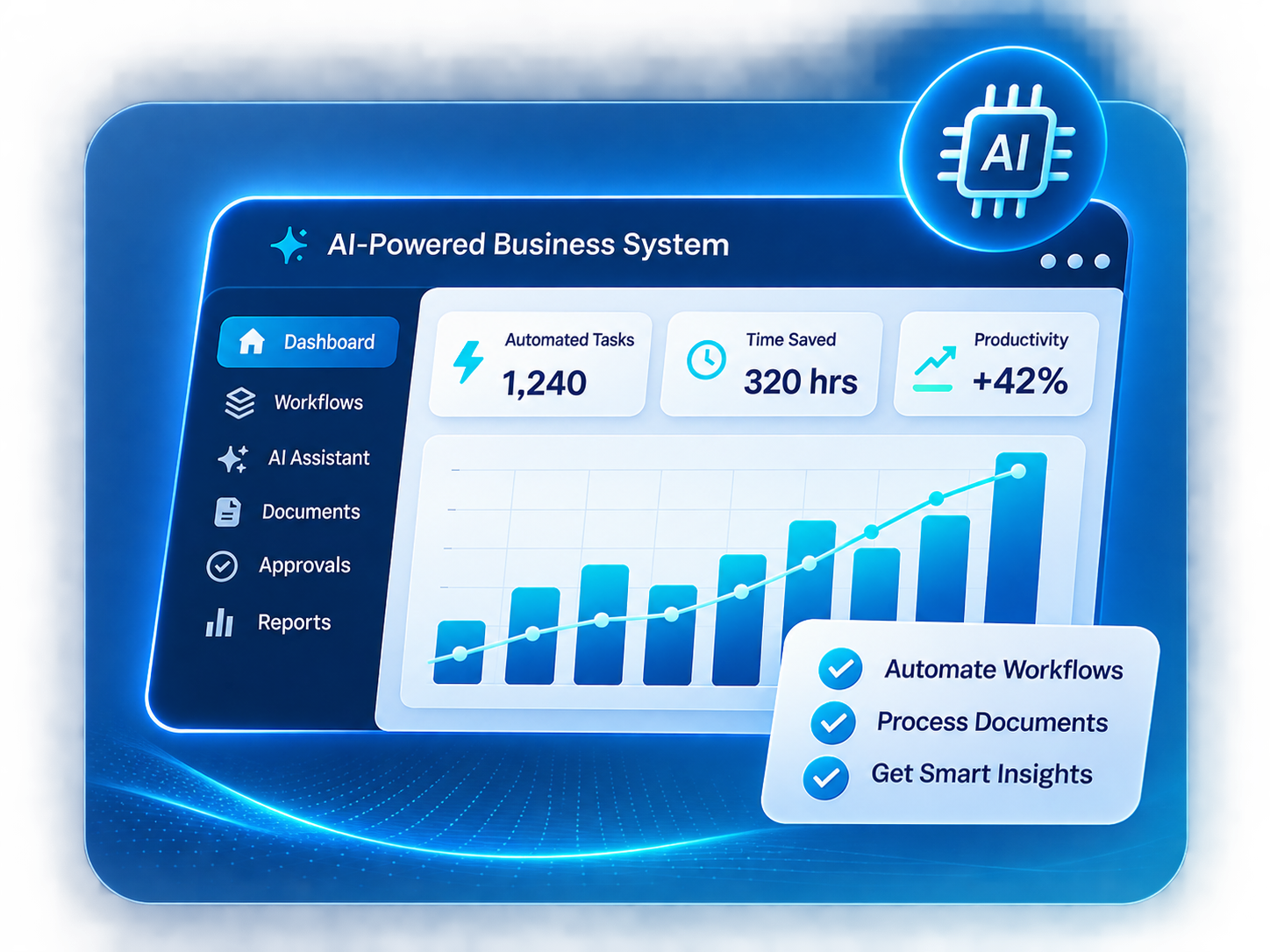
AI-Powered Business Systems system overview
THE PROBLEM

What goes wrong without it

Most organizations already hold the answers their teams need. Those answers sit in policy PDFs, product sheets, old email threads, resolved support tickets and shared drives. Finding the right paragraph takes time, so staff ask a senior colleague instead, and the same questions get answered again and again. New employees take longer to become productive because knowledge is scattered and partly unwritten.

At the same time, a large part of daily work is reading and rewriting text. Someone summarizes a long customer email, pulls fields out of an invoice or application form, drafts a first reply, or decides which team should handle a request. This work is necessary but repetitive, and it piles up at exactly the moments when the business is busiest.

Many businesses try a public chatbot and stop there. A general AI tool does not know your prices, policies or customers. It cannot see your systems, and it keeps no record of who asked what. Pasting sensitive information into it raises its own concerns. The result is a tool that individuals use privately, with uneven quality and no connection to how the business actually operates.

THE PROPOSED SYSTEM

How the solution works

We build an AI layer that sits alongside your existing software rather than replacing it. Its core is a knowledge base made from documents you approve, indexed so the system can find the relevant passages and answer with references back to the source. Staff ask questions in plain language inside a web screen, an internal tool or a chat channel, and they can open the original document to check any answer.

Around that knowledge base we add specific AI-assisted workflows. One workflow might read an incoming email, suggest a category and priority, draft a reply from approved content and place it in a queue for a team member to edit and send. Another might extract fields from uploaded documents into a form that a person confirms before the record is saved. Each workflow has a defined input, a defined output and a clear point where a human reviews, approves or corrects the result.

The system keeps logs of questions, answers, drafts and approvals. Managers can see where the AI helps, where it gets things wrong and which documents need updating. Access follows your existing roles, so a sales executive never receives an answer built from HR files. Model and API usage is metered and visible, because these costs rise with use and are billed by the AI provider.

KEY CAPABILITIES

What the system can include.

01

Grounded knowledge search

Answers drawn only from your approved documents, with links to the source passages so staff can verify them before relying on them.

02

Role-aware document access

Document collections are tagged by department or role, and the assistant only searches what the signed-in user is allowed to see.

03

Drafting assistance

First drafts of replies, summaries, proposals and internal notes built from templates and approved content, always edited by a person before use.

04

Document data extraction

Fields read from invoices, forms, applications or purchase orders and shown on a review screen where staff confirm or correct each value.

05

Request classification and routing

Incoming emails, tickets or form submissions labeled by topic and urgency and placed in the right team's queue, with the label visible and changeable.

06

Review and approval queues

One screen where reviewers accept, edit or reject AI output, creating a record of every decision and correction.

07

Usage and quality monitoring

Logs of questions, unanswered queries, corrections and model usage, so documents and prompts can be improved over time and costs stay visible.

INTENDED USERS

Who uses it day to day.

Front-line staff

Ask questions about products, policies and procedures and get referenced answers without waiting for a senior colleague.

Support and service teams

Work through classified queues with suggested replies that they review and edit before sending.

Back-office and operations staff

Check extracted document data instead of typing every field in from scratch.

Team leads and managers

Approve sensitive outputs, review logs and decide which workflows are reliable enough to expand.

Knowledge owners

Keep source documents current, retire outdated material and see which questions the system could not answer.

System administrators

Manage users, roles, document collections, model settings and usage limits.

Integrations, implementation and benefits

INTEGRATIONS

  • LLM APIs from established AI providers, chosen per use case, data sensitivity and budget
  • Document sources such as Google Workspace, shared drives or an internal file repository
  • Email inboxes and help desk tools for classification and draft replies
  • Existing CRM or ERP systems through REST APIs, to read customer or order context
  • Website chat or the WhatsApp Business API as an optional customer-facing channel
  • Single sign-on or an existing user directory for role-based access
  • Webhooks that trigger follow-up actions once a person approves an output

IMPLEMENTATION CONSIDERATIONS

  • Use-case selection: we list the questions and text-heavy tasks that take up the most staff time, then pick one or two where mistakes are low-risk and easy to spot.
  • Data review: we check which documents are accurate, current and suitable to include, and agree what must stay out, including personal and confidential information.
  • Prototype with real examples: we build a limited version, test it against a set of genuine questions and documents, and record where answers are wrong or incomplete.
  • Review design: we decide which outputs need approval, who approves them, and what the system should do when it is unsure or cannot find an answer.
  • Pilot rollout: a small team uses the system in daily work, and their corrections are used to improve prompts, document structure and search quality. A focused first workflow typically reaches pilot within several weeks, depending on data readiness.
  • Ongoing maintenance: documents, prompts and model choices are reviewed on a schedule, because source content changes and model behavior can shift between versions.

OPERATIONAL BENEFITS

  • Staff can find policy and product answers themselves, with sources they can check.
  • Senior team members spend less time answering the same internal questions.
  • Text-heavy tasks start from a reviewed draft instead of a blank page.
  • Incoming requests reach the right queue sooner, with a visible reason for the routing.
  • Managers can see what the AI produced, who approved it and what was changed.
  • Gaps and contradictions in internal documentation come to light and can be fixed.
  • AI use moves out of private, unmanaged tools and into a controlled system with access rules.
FAQ

Questions about ai systems.

Will the AI ever give wrong answers?

Yes, it can. Language models sometimes produce confident but incorrect text, especially when source documents are unclear or missing. We reduce this by limiting answers to approved content, showing sources, allowing the system to say it does not know, and keeping a person in the loop for anything sent to customers or used in decisions.

What data do we need before we start?

You need a reasonable set of accurate documents or records for the chosen use case, such as policies, product information, FAQs or past resolved tickets. If that content is outdated or scattered, organizing it becomes the first part of the project. We will tell you plainly if the data is not ready for AI yet.

Is our data sent to an outside AI provider?

When a hosted model is used, the relevant text is sent to that provider's API to generate a response. We review the provider's data-handling terms with you, keep out content that should not leave your systems, and discuss options such as masking personal details. Obligations under India's Digital Personal Data Protection Act, 2023 and any sector rules should be assessed with your legal advisers.

What are the ongoing costs?

There are two main ongoing costs: model or API usage, which the AI provider bills based on volume, and maintenance to keep documents, prompts and integrations current. Usage charges are billed separately unless a proposal says otherwise. Usage monitoring is built in so you can see where costs come from.

Can the system take actions in our other software, not just answer questions?

Yes, within limits you set. It can create a draft record, update a status or trigger a workflow through an API. We usually start with actions that a person approves first, and only make an action fully automatic once it has proven reliable for that specific task.

RELATED
ServiceAI Development

AI features built into your products and internal tools, such as document search, extraction and summaries, tested against your own data before launch.

Explore
ServiceAI Agents & Chatbots

Assistants for your website, WhatsApp and internal teams that answer from your content, take approved actions and hand over to people when needed.

Explore
ServiceAPI Integration

Reliable connections between the software you already use, so data moves between payments, accounting, CRM, messaging and marketplaces without re-typing.

Explore
ServiceBusiness Process Automation

Workflow automation for approvals, reminders, document creation and recurring reports, with exceptions and audit trails handled properly.

Explore
IndustryProfessional Services

Onboarding, proposal, project, timesheet, document collection, billing and client portal systems for consultancies, agencies and professional firms.

Explore
IndustryHealthcare

Appointment, registration, queue, reminder, report delivery and roster systems for clinics, diagnostic centers, small hospitals and wellness practices.

Explore
IndustryEducation & E-learning

Admissions, batch, attendance, test, fee and LMS systems for schools, coaching institutes, training companies and independent course creators.

Explore
IndustryRecruitment & Staffing

Job order, candidate database, pipeline, interview, submission, placement and contractor timesheet systems for recruitment agencies and hiring teams.

Explore
Software guideAI Assistants and Automation

A plain explanation of rule-based automation, AI assistants, LLM apps, RAG and AI agents, with their data needs, costs, limits and the role of human review.

Explore
Software guideCRM Software

A plain-language guide to CRM software: how it captures leads, records every conversation, and helps sales teams follow up on time.

Explore
NEXT STEP

Have a business problem to solve?

Describe the process, the people involved and the tools you use today. We will propose a system and a phased plan.

Chat with us